Slot Studio
You don’t need a video editor anymore.
Give it your clips and your voiceover. It finds the footage on YouTube, cleans your voice, edits like a motion studio and hands you a finished 4K video.
₹24,999Launch offer24% offends in 2d 14h 03m 12s
One-time · No subscription · Every upgrade free for life
Runs on your Mac with your own Claude plan.

Our launch film. Edited entirely in Slot Studio.
One edit, two cuts: the long version for YouTube and the vertical one for Reels and Shorts.
Made with Slot Studio
Siddharth DevFitness41K on YouTube
“For the last month, every long-form video on my channel has been edited by this tool.”Siddharth Dev · From the Slot Studio launch film
-
 David Laid: Natty or Not? (Full Breakdown, Age 12 to 28)
- runtime
- 28:13
- shots
- 440
- clips and photos
- 229
-
 I Analysed Every Nick Walker Workout. Here’s How He Won Mr. Olympia
- runtime
- 12:48
- shots
- 327
- YouTube clips
- 170
- workouts analysed
- 61
-
 The Best And Worst Back Exercises (Ranked)
- runtime
- 14:25
- shots
- 153
- YouTube clips
- 57
- exercises ranked
- 25
-
 The Only Back Workout You’ll Ever Need
- runtime
- 6:13
- shots
- 124
Works for any niche.
Tech reviews, finance and science explainers, documentaries, tier lists, breakdowns. Give it the topic and the data; it builds the graphics.
Example graphics rendered with Slot Studio for this page, from real published data.
You don’t hunt for clips anymore. You don’t cut out breaths or keyframe graphics. You give it your clips and your voiceover, and it finds the footage, cleans your voice and edits the whole video.
No more hunting for clips
It goes on YouTube for you.
You don’t search. You don’t scrub through 40-minute videos. It finds the clip, cuts out only the seconds it needs and saves them in 4K.
- 1
It reads your script.
It knows which lines still need a shot, and what that shot should look like.
- 2
It searches YouTube itself.
It types the search, checks the results and picks the video that actually has the shot.
- 3
It cuts only the seconds it needs.
Not the whole 41-minute video. It scans it, finds the moment and keeps just those 4 seconds.
- 4
It saves them in 4K.
Straight into your project’s clips folder, at up to 3840 × 2160.
- 5
Photos too.
A figure from a study, a product, a place. It finds them on the internet. If a picture doesn’t exist, your AI image tool makes it.

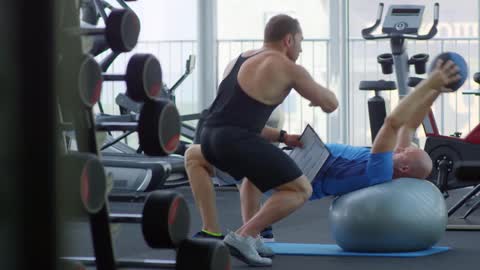
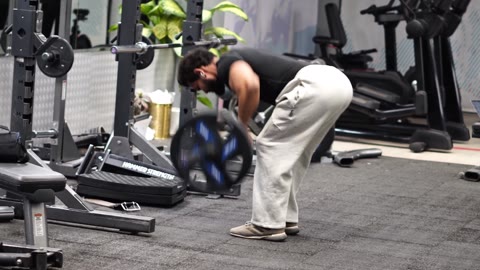
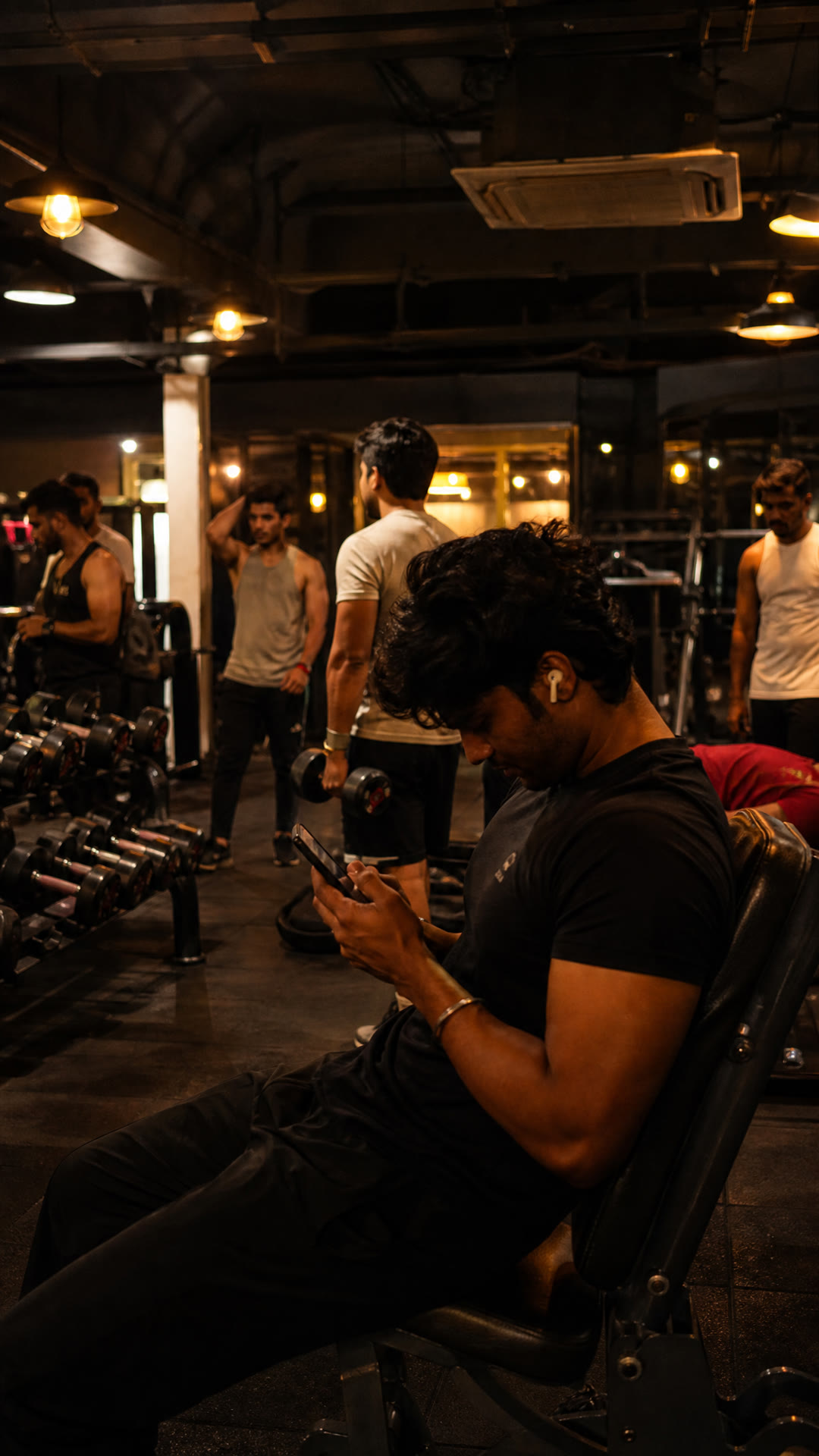
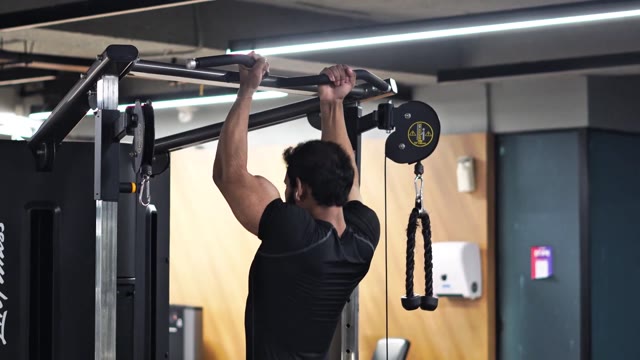
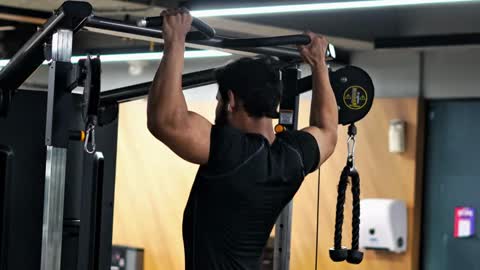
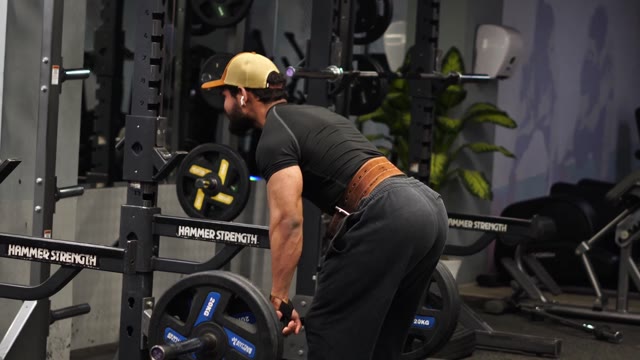

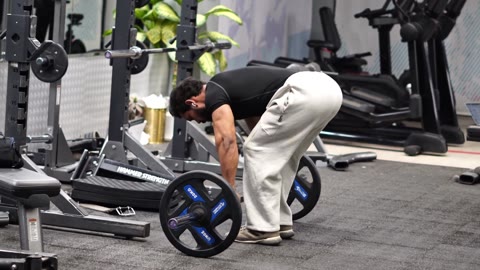
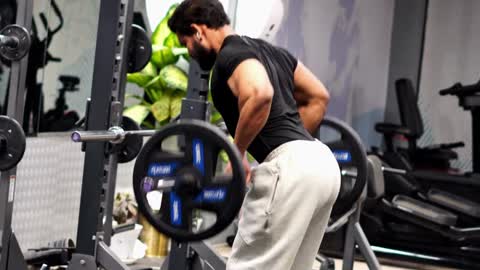
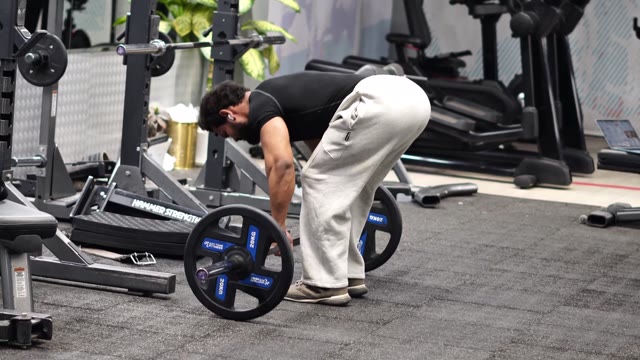
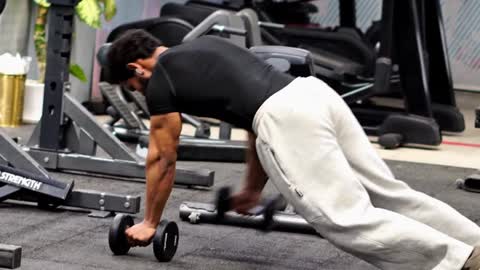
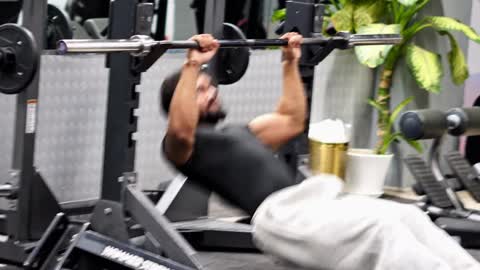
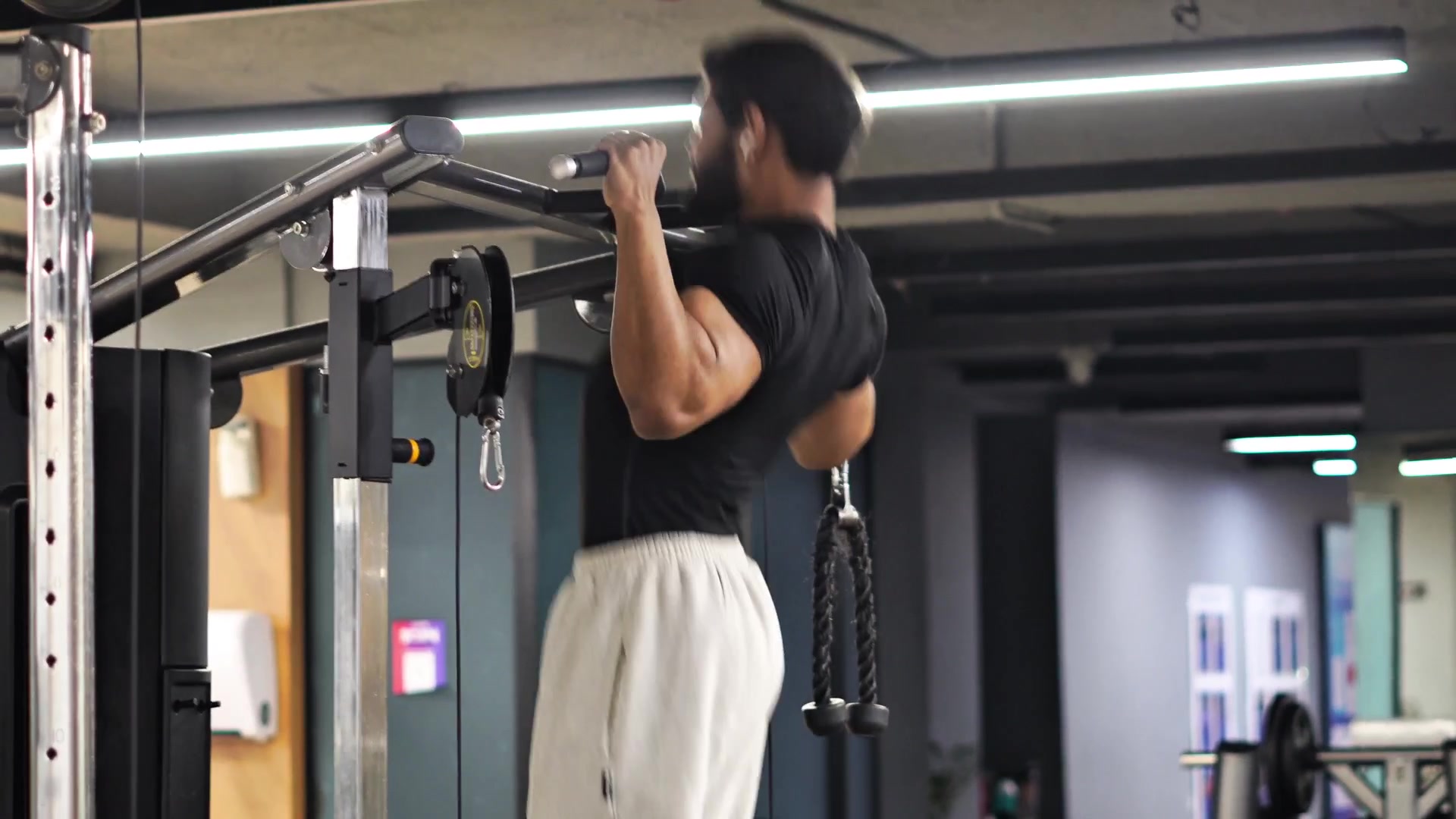
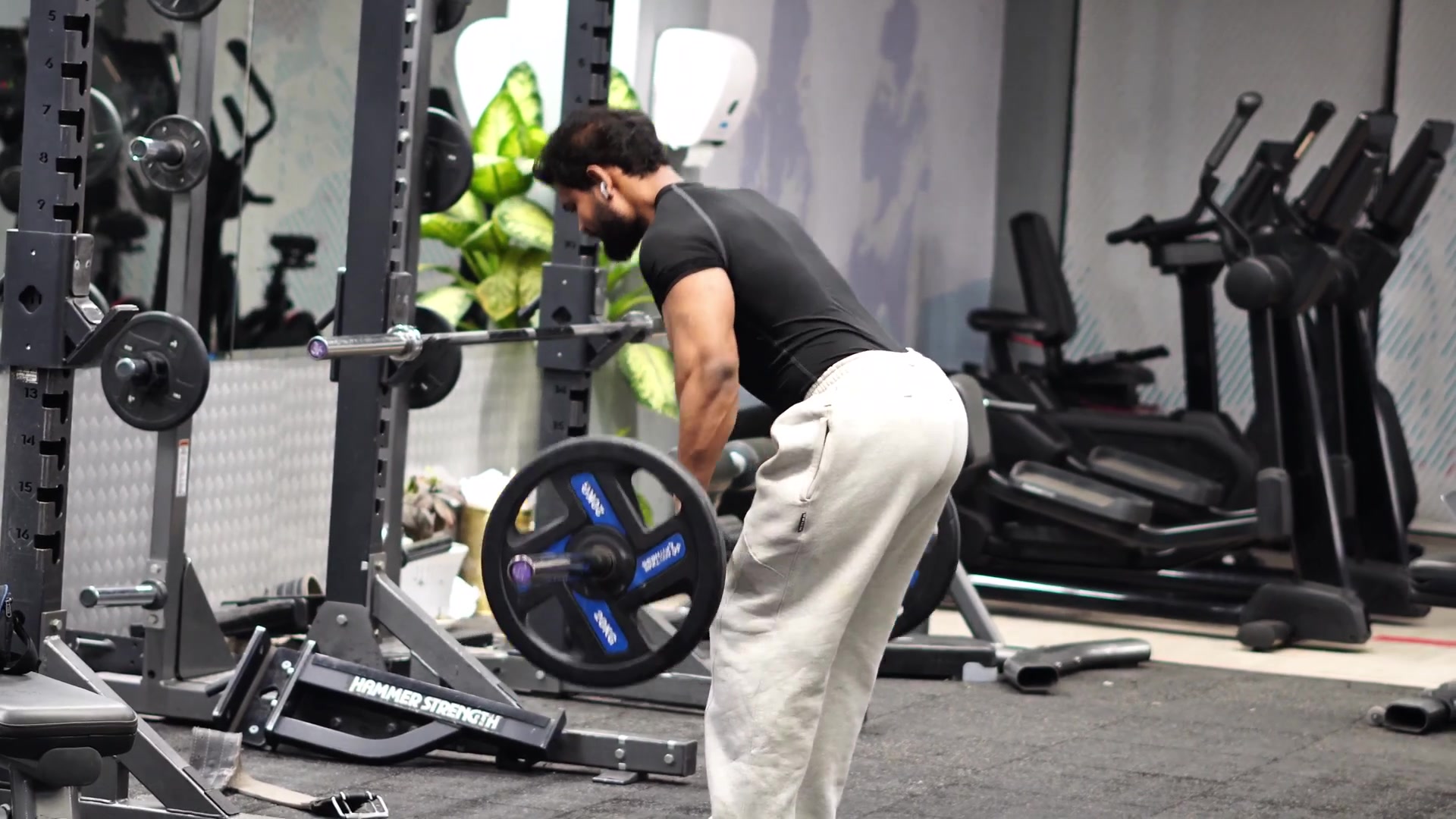
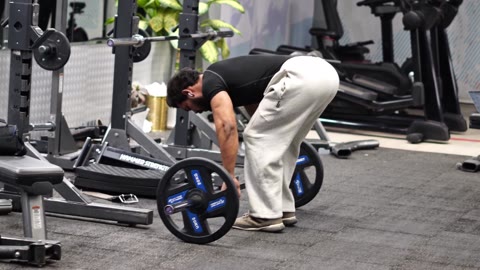
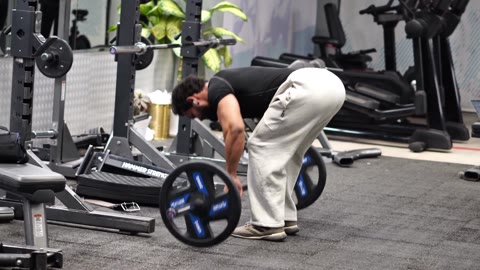

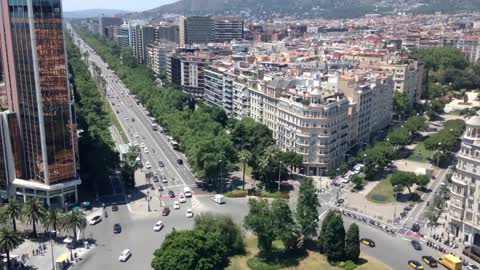

“barbell row side view 4k”
It searches YouTube itself.
Tell it what the video is about. It finds the footage that fits each line of your script.
41:56→0:04
Only the seconds it needs.
Not the whole 41-minute video, just those four seconds. Downloaded at up to 4K, straight onto your Mac.
Study · person · product
Photos too.
Need a picture of a study, a person or a product? It finds it on the internet and puts it in the edit.
It does the research. And writes the script with you.
Studies, numbers, who said what. It reads them, writes a script in your voice, and you fix what you want. You never start from a blank page.
Every breath. Every um. Gone.
It cuts every breath, every um and every sentence you started twice, without clipping a single word. Record once and keep talking. It cleans up after you.
Demo. Raw take, 7.4 seconds: “(breath) So um, the best way— the best way to grow is to stay consistent.” Clean take, 4.7 seconds: “So the best way to grow is to stay consistent.” Three cuts, no words clipped.

0 cuts0 words clipped
Want an AI voice instead? Connect ElevenLabs (paid separately).
Then it edits like a motion studio.
3D charts, research that lifts off the page, glass tier lists, captions on every word and sound on every cut, in any niche. Each one lands on the word you say.

| Back | 31% |
|---|---|
| Shoulders | 15% |
| Chest | 14% |
| Arms | 12% |
All of it, in one sequence. Exploded layers, 3D charts, research, glass tier lists, captions on every word and sound on every cut.
A cut or graphic every 2 to 3 seconds. That’s the pace it edits at.
Like someone’s edit? Send it the reel.
See motion graphics you love on Instagram? Send it that reel. It edits your video the same way.
Connect any AI tool. It uses it inside the edit.
Need an image or a video clip generated? Connect the tool you already use and it makes the shot right inside your edit. No exporting, no importing.
Third-party AI tools and APIs are paid separately to those companies.
- Image modelConnected
- Video modelConnected
- VoiceElevenLabs · connected
- Any AI toolPaste any API key
Generated for your video


One tool. The whole upload.
- Finished 4K video 3840 × 2160 MP4, rendered on your Mac.
- Thumbnails Options to pick from, sized for YouTube.
- Shorts and Reels 9:16 versions for Instagram, YouTube Shorts and TikTok.
- Publishing kit Title, description and everything else you need to hit upload.
What you get. How it works.
Everything lives in one folder on your Mac, connected to Claude. After setup, you just tell Claude what video you want.
What you get
- The YouTube clip downloaderGrabs only the seconds you need, up to 4K.
- The 4K rendererRenders finished videos on your Mac.
- The voice engineCleans every breath, um and restart.
- The motion graphics library3D charts, paper lift, glass tier lists, captions and more.
- The long-form pipelineResearch, script, voice, clips, edit, 4K.
- The sound effects and music kitMixed to sit under your voice.
- A step-by-step setup guidePlain steps, start to finish.
Setup
About 25–30 minutes, once. We can do it with you.
- 1Put the Slot Studio folder on your Mac
- 2Double-click the two one-click installers
- 3Connect the folder to Claude in the Claude desktop app
- 4Ask for a test video
You need a Mac with Apple Silicon and the Claude desktop app with a paid plan.
How you use it
You talk to Claude in plain words. Slot Studio does the work on your Mac. Here’s how a real video was made: 12:48 long, 327 shots, 170 YouTube clips.
Let’s make a video on Nick Walker’s training. 12 minutes, analysis style.
Claude
Research is done: I went through 61 of his workouts. Here’s the script draft, with the source under every claim. Read it and tell me what to change.
Looks good. I recorded the voiceover, it’s in the folder.
Claude
Cleaned it. Every breath, um and restarted sentence is cut, and 0 words are clipped.
 Clean voiceover0 words clipped
Claude
Found 170 clips on YouTube, cut each one to the seconds the script needs and saved them in 4K. Here’s a 90-second 1080p preview.
 Clips170 clips · up to 4K
 1080p preview1:30
Make the intro faster.
Claude
Done, the intro is faster. Rendering the 4K version on your Mac.
Nick Walker breakdown12:48 · 4K · 327 shots+ thumbnails, title and description
Now do the math on 30 videos a month.
A freelance editor charges ₹11,000 to ₹20,000 per long-form video. Thirty of them is ₹3,30,000 to ₹6,00,000, every month.
A full-time video editor costs about ₹35,000 a month.
Slot Studio is ₹18,999. Once.
With your Claude Max plan, it can make about
30–50long-form videos a month
and300–500Shorts and Reels a month
Based on our testing. Depends on video length and revisions.
Price
Buy it once. Keep it forever.
₹24,999Launch offer24% offends in
₹18,999one-time
No Slot Studio subscription. No monthly fee to us. Ever.
hello@slotstudio.appNo checkout yet. Email us and we'll take it from there.
What you get
- The SlotStudio folder, with a START-HERE guide to set it up on your Mac (about 25–30 minutes, once; we can do it with you)
- The full system: research, YouTube clips, voice cleaning, motion graphics, captions, sound and the 4K render
- Thumbnails, Shorts and Reels, and a publishing kit
- Every future upgrade, free for life
- It learns from every correction you make, so it keeps getting better
What you need
- A Mac with Apple Silicon (M1 or newer)
- Your own Claude plan (Claude Max recommended)
- Optional: ElevenLabs for AI voice and OpenAI for images, paid separately if you use them
Every future upgrade
- v2.0Free
- v3.0Free
- v4.0Free
- v5.0Free
and every one after

Creator spotlight: Siddharth Dev
“I literally just give it my clips and my voiceover, and it does everything else.”
Siddharth Dev
Uses Slot Studio for every long-form video on his channel. From the Slot Studio launch film.
FAQ
Questions, answered.
Something else? Email us.
hello@slotstudio.appWhat do I need to use it?
A Mac with Apple Silicon (M1 or newer), your own paid Claude plan from Anthropic, and your voiceover and clips. ElevenLabs (AI voice) and OpenAI (image generation) are optional. If you want them, you pay those companies directly.
Which Claude plan? A paid one. For long videos we recommend Claude Max (from ₹11,999 a month), because editing a full video uses a lot of it. On Max you can make about 30–50 long-form videos a month in our testing, depending on length and revisions. We'll help you pick when you buy.
Is it a subscription?
No. You pay ₹18,999 once. There's no monthly fee to us, and every future upgrade is free for life. Your ongoing costs are your Claude plan, paid to Anthropic, and any optional AI tools you choose to connect.
Does it work on Windows?
No. It's Mac only for now, on Apple Silicon (M1 or newer).
Do I need to know how to edit?
No. You tell it what you want, like you would tell an editor. If something's off, you say so and it fixes it. It learns from every correction, so you repeat yourself less over time.
Do I have to use YouTube clips?
No. You can give it only your own footage. The YouTube clip finder is there when you need b-roll or reference shots you don't have.
What about copyright on YouTube clips?
It downloads only the few seconds it needs, the way commentary, analysis and breakdown channels use clips. It doesn't grab whole videos. Whether a clip counts as fair use or fair dealing depends on how you use it, and you're responsible for what you publish. When in doubt, use your own footage or clips you have permission for.
What kinds of videos can it make?
Long-form 16:9 videos in 4K, plus 9:16 Shorts and Reels and thumbnails, for any niche: tech reviews, finance and science explainers, documentaries, tier lists, breakdowns. The examples on this page include training breakdowns, a tier list and a natty-or-not analysis.
How do I get it after paying?
There's no checkout yet. Email us at hello@slotstudio.app and we'll reply with payment details. Once it's paid, you receive the SlotStudio folder with a START-HERE guide. Setup takes about 25–30 minutes, once, and we can do it with you.
Make your next video without an editor.
₹18,999 one-time. No Slot Studio subscription. Free upgrades for life.
₹24,999Launch offer24% offends in
Needs a Mac with Apple Silicon and your own Claude plan.